
OpenKey
Password manager · OpenSelfHosting
An open-source, self-hosted password manager that encrypts your vault on your device.
Inside the project
Overview
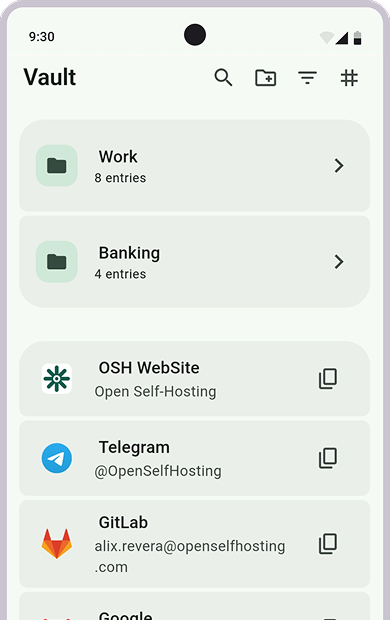
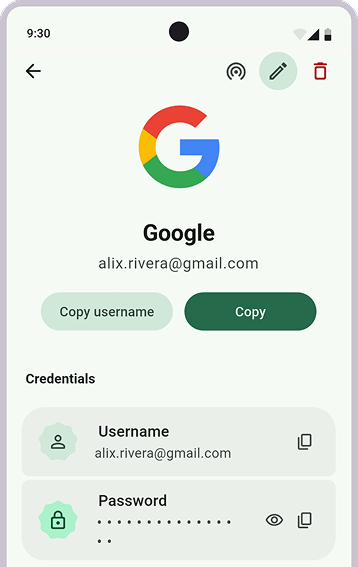
OpenKey is an open-source, self-hosted, zero-knowledge password manager. It keeps a personal vault usable offline, while making synchronization an optional service that you can host and control.
Highlights
- Encrypts vault data on the device before it leaves the device.
- Use a local vault offline; a server is only needed for syncing between devices.
- Keep logins, payment cards, crypto wallets, secrets, collections, and attachments in one vault.
- Use official apps on desktop and mobile, with browser and command-line integrations.
Private by design
Encryption happens on the client. When sync is enabled, the server stores encrypted vault data, key-derivation parameters, and a wrapped vault key; it does not receive the master password or readable vault contents.
This keeps the sync server separate from the trust boundary: you can use the hosted service or run your own, while the vault remains encrypted before synchronization.
A vault that works your way
OpenKey can be used as a personal offline vault without setting up an account or server. When you need the same data on multiple devices, configure a self-hosted sync server and synchronize the encrypted vault.
- Store logins, cards, crypto wallets, secrets, and attachments.
- Organize entries into collections.
- Use the browser extension for autofill, login updates, and passkeys.
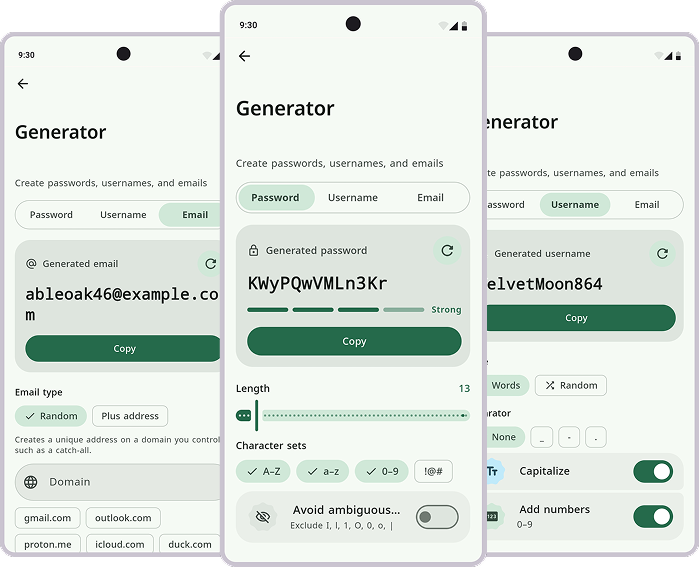
- Use the command-line client for password generation and vault workflows.
Platforms and source
The official Flutter app supports Android, iOS, Windows, macOS, and Linux. The app and sync protocol are open source under the MIT License, so the implementation can be inspected, built, and adapted.
Explore the project
- Web openkey.openselfhosting.com
- Download guide openkey.openselfhosting.com/guide/download
- Browser extension guide openkey.openselfhosting.com/guide/extension
- CLI guide openkey.openselfhosting.com/guide/cli
- Google Play play.google.com/store/apps/details?id=com.openselfhosting.openkey
- Microsoft Store apps.microsoft.com/detail/9MXNBRPMDT53
- GitHub github.com/OpenSelfHosting/OpenKey